Fast order entry
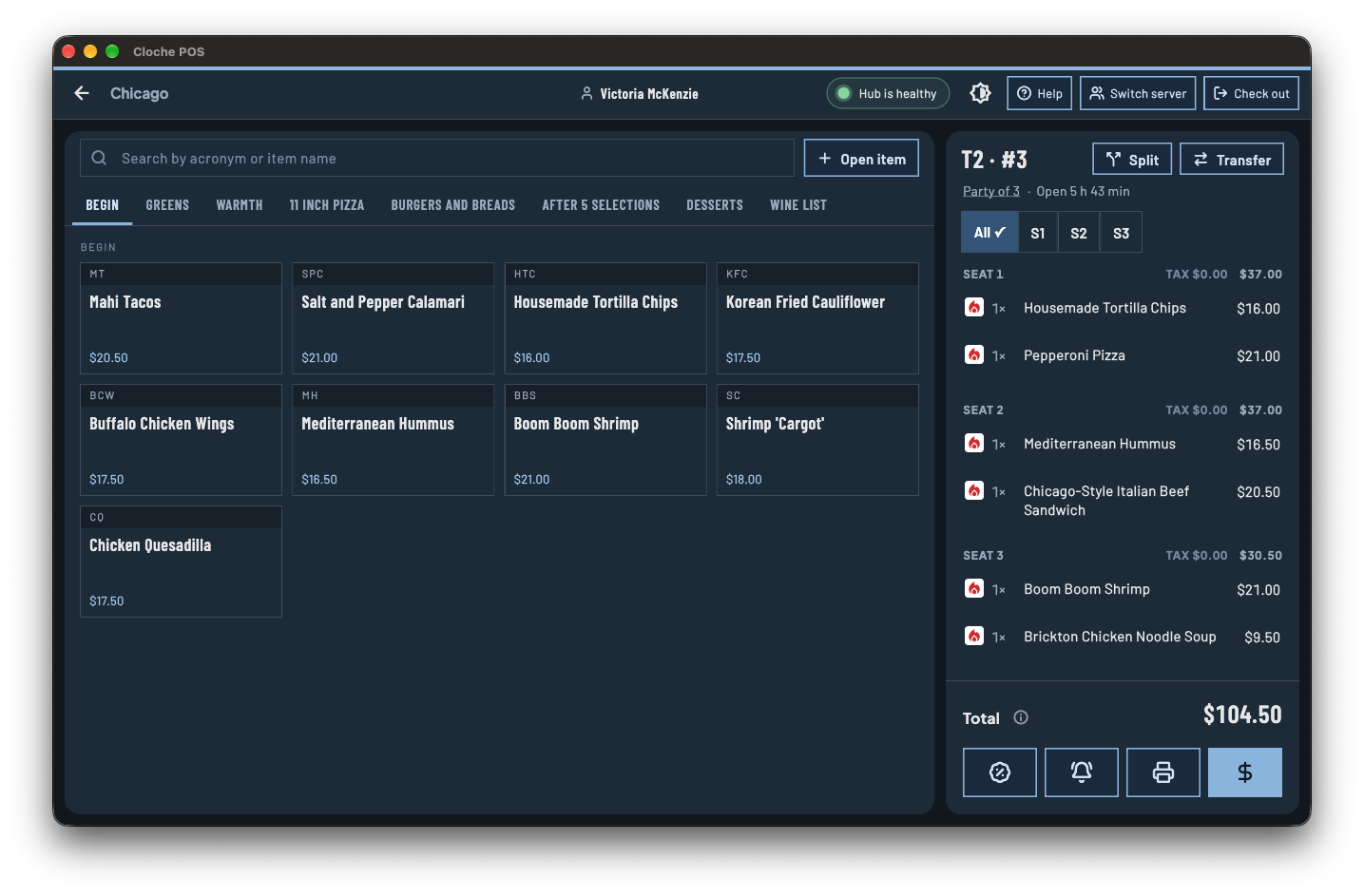
A clean menu layout, modifiers, and table or counter service. New staff pick it up in minutes.
Now onboarding early restaurants
Made for your floor. Ready for your rush.
Orders, payments, the kitchen, and online ordering in one fast, dependable system, built to keep up when every table is full and the line is out the door.
See it in action
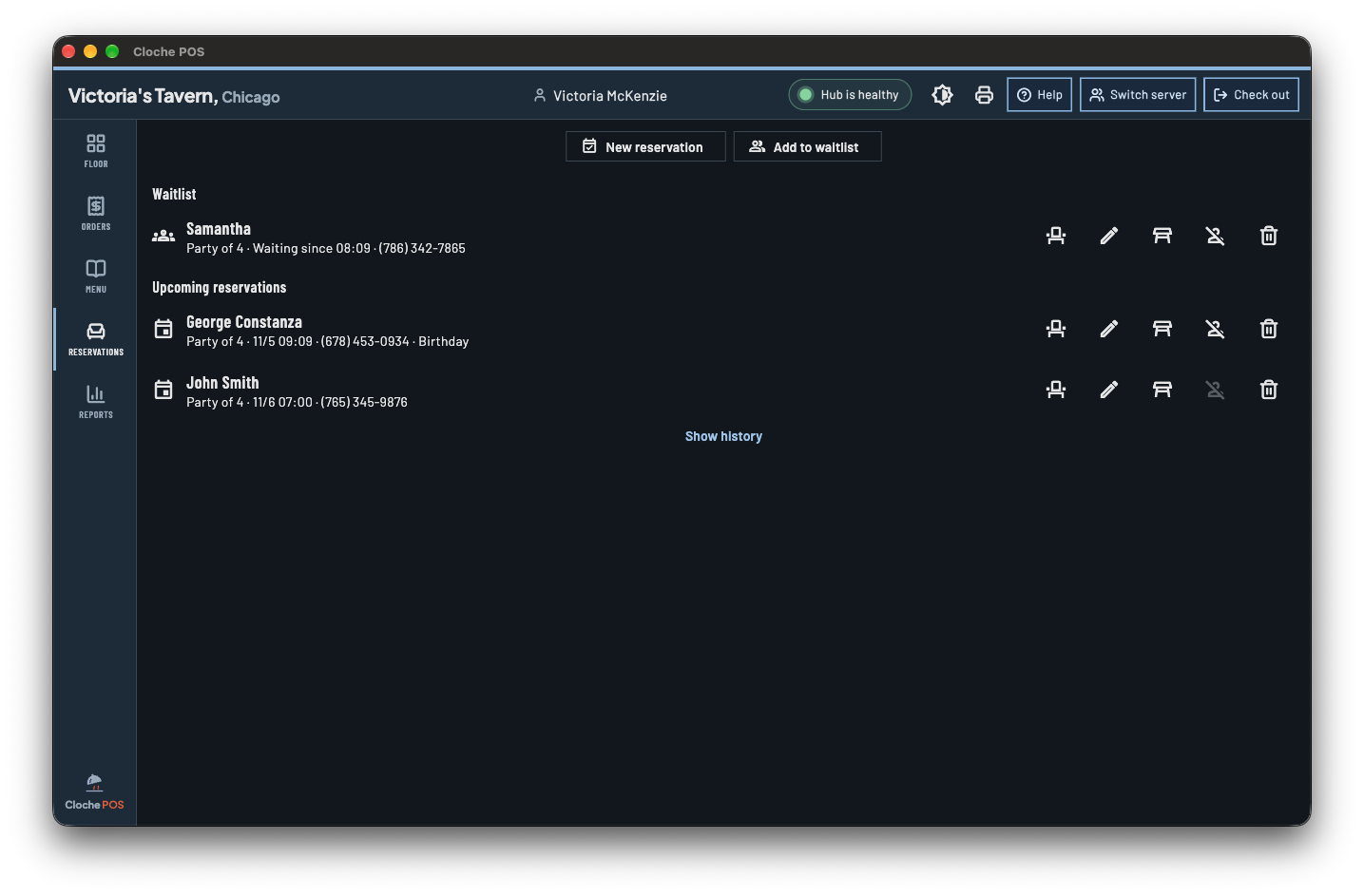
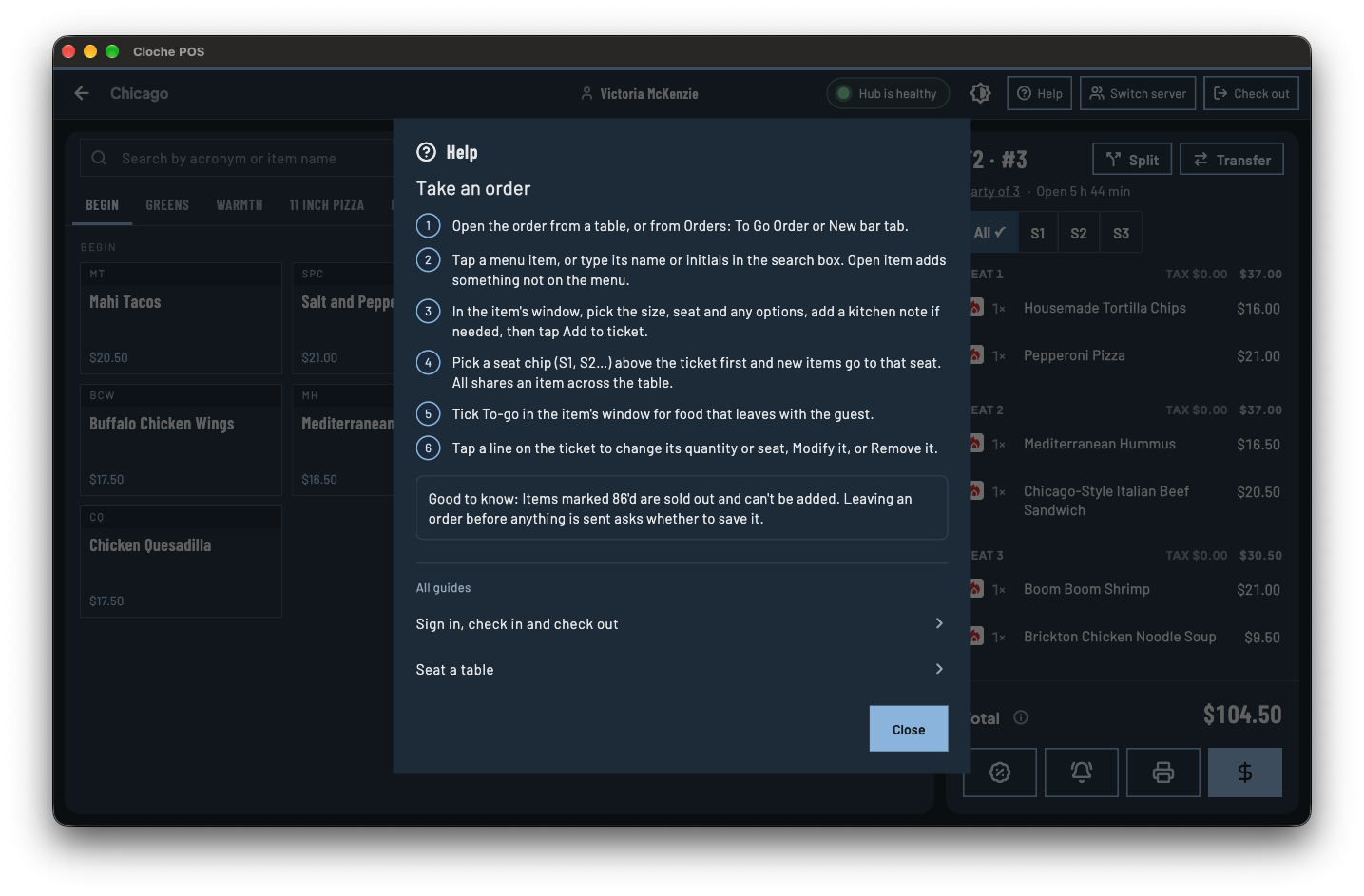
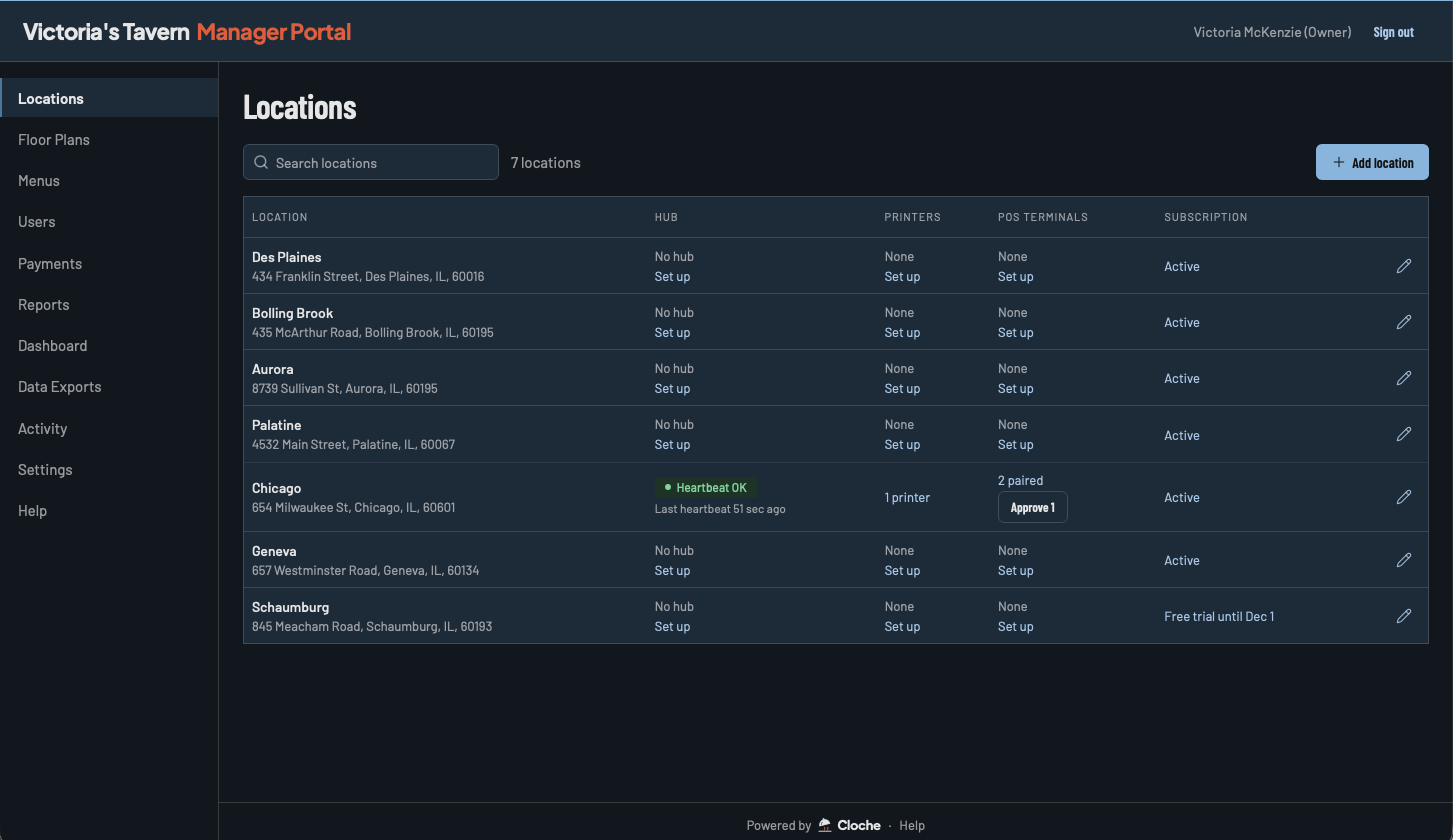
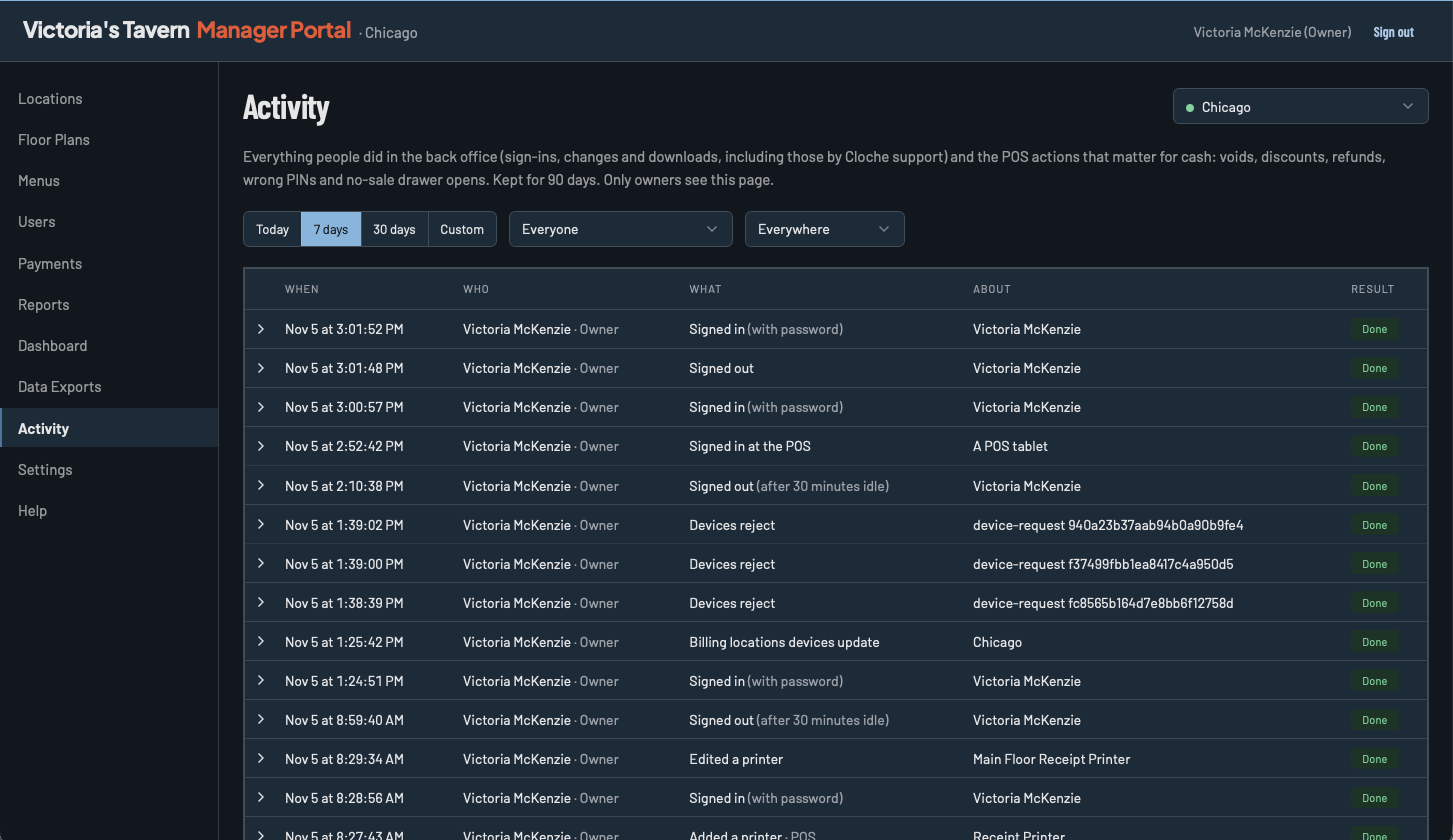
The product
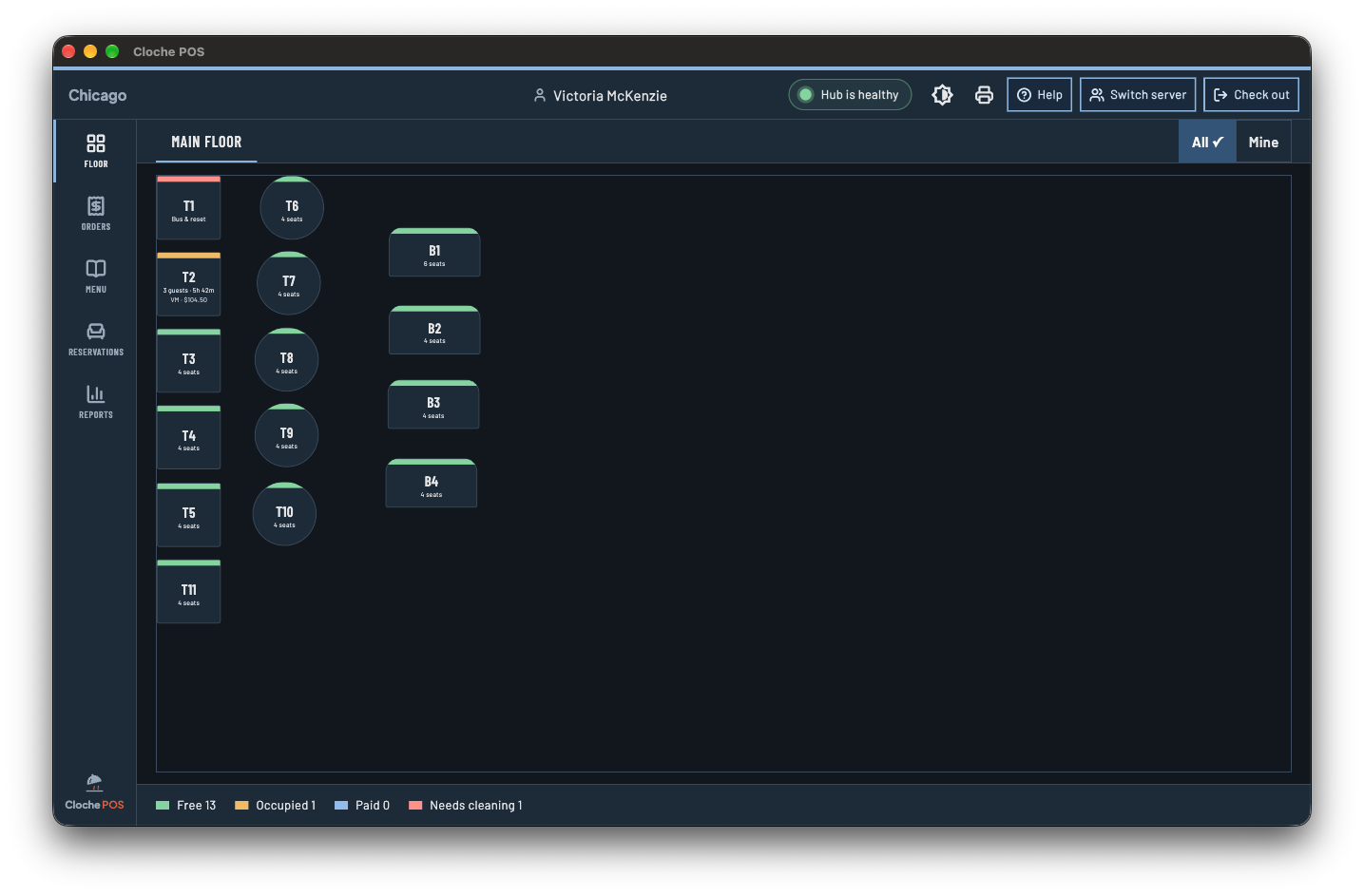
Cloche covers the core of running a shift, and does it reliably every time. No twelve add-ons to configure before you can sell a coffee.
A clean menu layout, modifiers, and table or counter service. New staff pick it up in minutes.
Card, tap, and cash. Split checks and add tips without hunting through menus.
Orders go straight to the kitchen screen or printer the moment you hit send.
Change prices, add specials, or mark an item sold out, and every device updates.
Sales, best sellers, and end-of-day totals. The numbers you actually check.
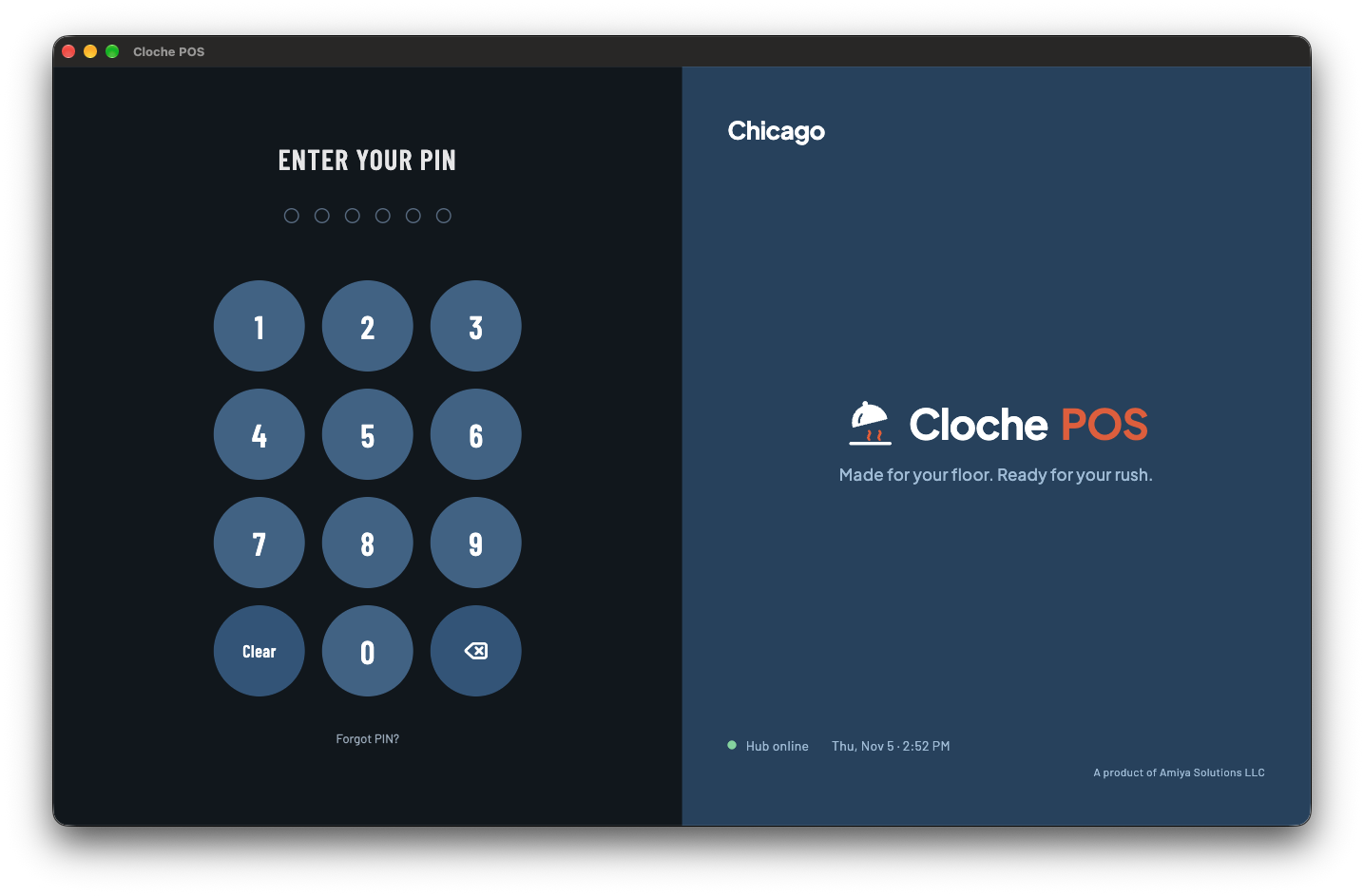
PIN logins and simple roles, so servers, managers, and owners see what they should.
Online ordering
Guests order pickup straight from you, and you keep every dollar. We take no commission on online orders. Online orders land on the same POS and kitchen screens as everything else, so there's no extra tablet on the counter.
How it works
Most POS systems lean on the cloud for every tap. Cloche puts a small hub in your restaurant that keeps your registers, handhelds, and kitchen talking to each other directly.
The cloud is still there for backups and checking sales from home. It's a convenience, not a lifeline.
When the Wi-Fi drops
Keep ringing them in on every register and handheld, exactly as normal.
Tickets still reach the kitchen instantly. No runner with a notepad.
Cash works as usual, and card payments are held securely and finalized once you're back online.
Everything catches up on its own when the connection returns. Nothing to re-enter.
Hardware
Cloche runs on iOS and Android, so the iPads, iPhones, and Android tablets and phones you already know will work. Just download the app and sign in.
Get the app. Free to download on any iOS or Android device.
Already have gear? If it runs iOS or Android, you're most of the way there.
Starting fresh? We'll recommend just what you need, nothing more.
The hub is the one piece we provide, and we set it up for you.
Built small on purpose
Every feature is something that can break, slow you down, or show up on a bill. So we're careful about what goes in.
Every plan has every feature. Nothing held back for a bigger plan.
If it stops working for you, you can leave. No cancellation fees.
Clear pricing, agreed up front, in plain language.
An internet outage shouldn't be able to close your restaurant.
Early days
You won't be ticket #40,000 in a support queue. Early restaurants work directly with our team, and what you tell us shapes what we build next.
Tell us about your restaurant and how you run service.
Menu loaded, hub installed, devices connected.
We're on hand for your first services, and after.
Service carries on. Registers, handhelds, and the kitchen stay connected through the hub in your restaurant, so you can keep taking orders and sending tickets. When the internet returns, everything syncs on its own.
A small device that lives in your restaurant, usually next to your router. It keeps all your Cloche devices in sync with each other. You plug it in once and don't have to think about it again.
Most likely. Cloche runs on iOS and Android, so you can use the iPads, iPhones, and Android tablets and phones you already have. Download the app from the App Store or Google Play and sign in. For printers and card readers, tell us what you have and we'll confirm it works before you buy anything new.
Yes. Guests can order pickup from your own ordering page, and we take no commission. It's included in your plan, and online orders show up on your POS and kitchen screens alongside in-house orders.
Online ordering is the one part that needs an internet connection, since guests reach your restaurant over the web. If your connection drops, new online orders pause until it's back. Everything inside the restaurant, including orders, kitchen tickets, and payments, keeps running as usual.
Yes. Whenever your restaurant is online, sales and reports sync to the cloud so you can check them from anywhere.
On purpose. We'd rather do the essentials extremely well than ship a long list of features that make the system slower and harder to use. We add things when our restaurants actually need them.
No contracts, period. Pay monthly and cancel anytime.
Yes. Pay yearly and you save 10% compared to paying month to month.
No. Every plan includes every feature Cloche has, plus new ones as we add them.
If you want a dependable POS for ordering, payments, and the kitchen, likely yes. If you need a large all-in-one suite today, we'll tell you honestly. That's a better start than a bad fit.
Tell us about your restaurant and we'll show you how Cloche fits, from ordering and payments to the kitchen and online ordering.